
Unifying Creative Workflows with Integrated AI
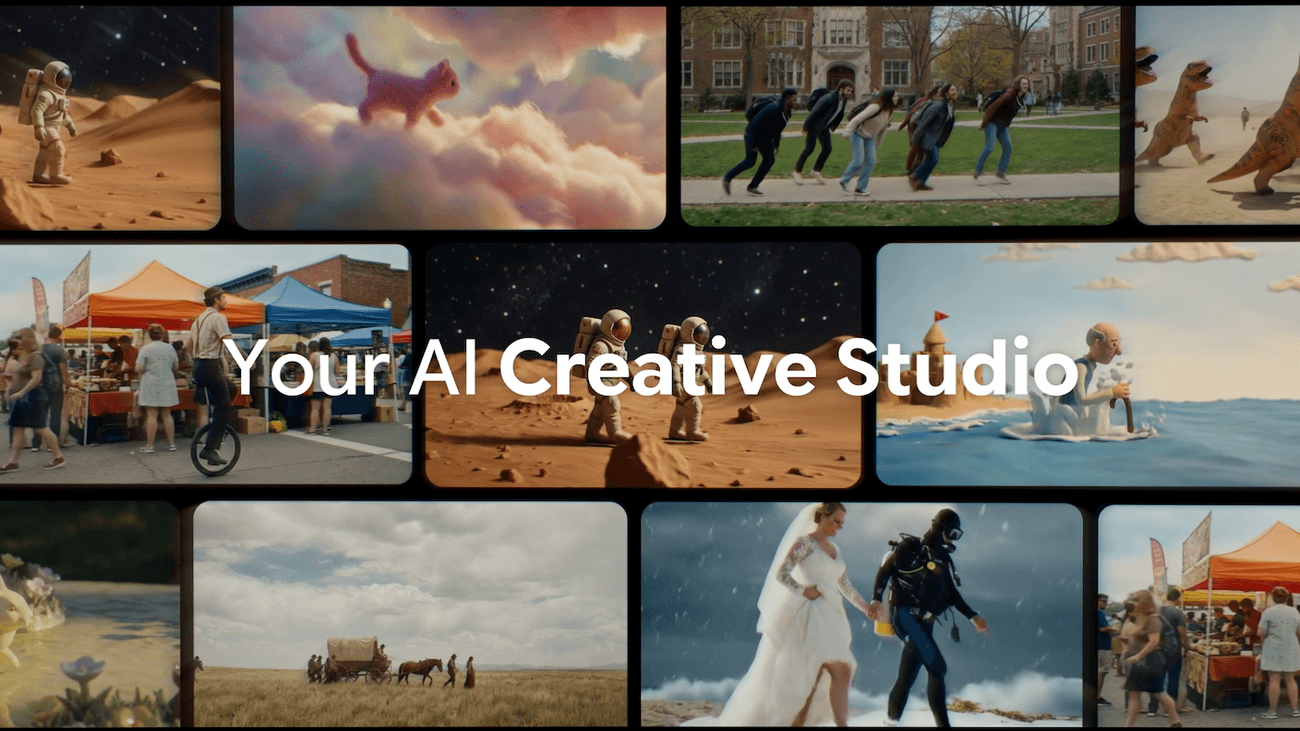
Google Flow now acts as a singular hub for visual content creation, moving beyond its initial scope as just a video generation tool. The latest updates merge the capabilities of previous image generation experiments, Whisk and ImageFX, directly into Flow's core experience. This integration means users can generate high-fidelity images with Nano Banana, instantly using them as ingredients or frames for Veo video generations without ever leaving the platform. Users can also generate images for free within Flow.To ensure a seamless transition for early adopters, Google announced that starting in March, users can opt to transfer all their existing Whisk and ImageFX projects and assets directly into their Flow library. This maintains continuity in their creative process, preventing any loss of work. Creators can now combine multiple images and style references to generate cohesive video scenes, simplifying complex creative tasks.
Streamlined Asset Management and Organization
Recognizing that the creative process is often non-linear and collaborative, Flow's updates include significant improvements to asset management. A new asset grid makes it easier to search, filter, and sort across images and videos. Users can now group their assets into collections, enhancing organization and workflow efficiency.This feature allows creatives to maintain an organized workspace by grouping related visual elements, which is particularly useful for large projects with numerous assets. Users can toggle between different view modes to either scan their entire library or focus on specific details, providing flexibility based on their current task. Furthermore, images and videos can be directly dragged within the interface to organize them or to use them as prompts, streamlining the interaction with the creative tools.
Precision Editing with Natural Language Controls
Beyond initial generation, Flow now offers more intuitive and precise editing tools, allowing users to refine their vision with greater control. A new lasso tool enables precise selection of specific areas within an image. Once an area is selected, users can employ natural language prompts to request specific tweaks, such as "remove the man" or "add Koi fish in the water".This natural interaction extends to direct drawing on images, giving Flow exact instructions for desired changes. To further shape narratives, users can seamlessly extend a clip’s length, add or remove objects in videos, or orchestrate precise camera movements like pans and zooms. These capabilities empower creators to move beyond first drafts, ensuring the final output aligns perfectly with their artistic intent.
The Bigger Picture
- Google Flow's enhanced precision tools and integrated workflow directly address the need for greater human control in AI-generated content, a critical factor highlighted by recent controversies surrounding AI image generation.
- By offering advanced editing and refinement capabilities, Flow empowers creators to produce differentiated and trusted content, essential in an era where AI-generated summaries (like AI Overviews) can disrupt traditional educational and trust-building content strategies.
- The shift towards a unified platform with flexible asset management and natural language editing indicates an industry trend toward democratizing complex creative processes, making sophisticated tools accessible to a broader user base.
- The ability to transform static images into dynamic video within Flow supports a more fluid and iterative creative cycle, allowing creators to experiment and evolve their stories seamlessly.