What is Gemini Nano and Why is it Being Downloaded?
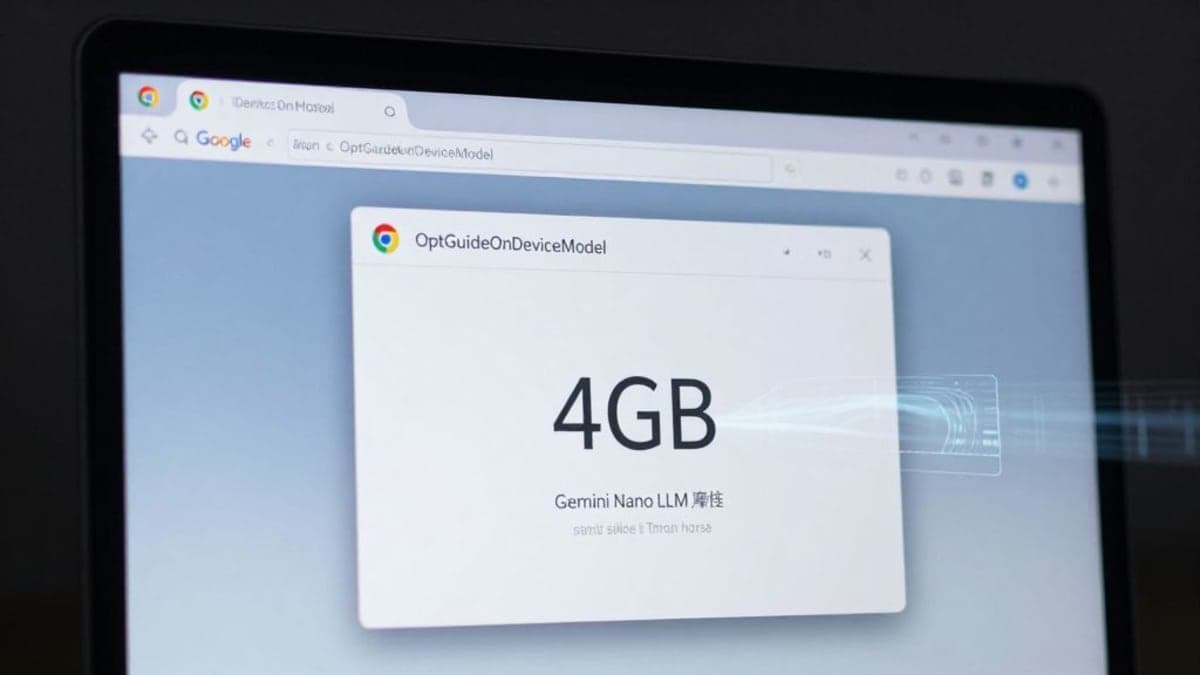
Google Chrome, the world's most popular web browser, began integrating AI features in 2025 in response to growing competition from AI-native alternatives. As part of this push, Chrome installs a large cache of AI weights for Google's Gemini Nano large language model (LLM) on user machines. Users have identified these files within a folder named "OptGuideOnDeviceModel" inside their Chrome directory.
These files, weighing in at roughly 4GB, are designed to enable on-device AI capabilities, allowing certain AI features to run locally rather than relying solely on cloud servers. While Google intends these models to enhance browser functionality, the download process occurs without explicit user notification or consent. This has sparked debate over user autonomy regarding what software gets installed on their personal devices.
How Does This Impact User Privacy and Device Performance?
The silent installation of a 4GB AI model can lead to several user issues. Many users have reported unusual disk activity or unexplained drops in available storage. The model's size consumes a significant portion of disk space, particularly for those with limited storage capacities or older devices. Even if users manually delete the "OptGuideOnDeviceModel" folder, the model automatically redownloads the next time Chrome restarts, as reported by security researcher Alexander Hanff.
This practice sidesteps the principle of user consent, which dictates that software installations should be transparent and opt-in. Critics argue that a "large AI vendor decided that the user’s machine is a deployment surface to be optimized for the vendor’s product roadmap, not a personal device," as stated by Hanff. This approach potentially impacts user trust and control over their own hardware resources.
Can Users Prevent These Downloads?
Users concerned about the 4GB AI model consuming their storage can take steps to manage or prevent its download. The files are typically installed if certain Gemini AI features are enabled within Chrome. To prevent the model from being downloaded or to remove it, users must navigate to Chrome's settings.
Specifically, users need to access `Settings > System` and toggle off the "On-Device AI" option. Disabling this setting removes the AI features that necessitate the local model and prevents the 4GB file from being redownloaded. While The Verge notes that Gemini Nano's exact size can vary with updates, this option remains the primary method for users to regain control over their storage.
The Broader Implications of Silent AI Integration
Google's approach to integrating Gemini Nano highlights a growing tension between technological innovation and user control. As AI capabilities become more embedded in everyday software, the question of consent for resource-intensive installations becomes critical. This incident serves as a stark example of how AI development could lead to unexpected demands on user hardware without clear communication. It also suggests a future where software providers might increasingly view user devices as platforms for deploying their proprietary AI components, shifting the burden of storage and processing onto individual users.